
Download NVC - Free Any Video Converter – video converter, free video converter, convert video, video compression, audio conversion, mobile video tool, video editing utility, android video app, video format converter, video tool
Overview
NVC - Free Any Video Converter is a productivity-focused mobile application developed for Android users seeking a reliable solution to convert, compress, and adjust video and audio files directly from their smartphones. The app is designed to address common challenges faced during media management, such as format incompatibility, large file sizes, and the need for quick optimization before sharing. It serves a broad audience, including content creators, social media users, students, and professionals who frequently handle multimedia content across devices.
As a free tool, it provides accessible functionality without subscription barriers, making it particularly valuable for users on a budget. The app supports a wide range of input and output formats, enabling seamless transitions between file types used across platforms like YouTube, Instagram, and various video editing software. Its ability to adjust resolution, format, and file size ensures users can tailor media files to specific upload requirements or storage constraints.
The developer, NVC, has positioned the app as a lightweight yet capable utility within the Android ecosystem. Although no additional details about the company or its history were provided, the app’s release date of February 22, 2023, indicates it is a relatively recent entry in the mobile video tool category. It fills a niche for users who need on-the-go conversion without relying on desktop software.
Key Features & Functionality
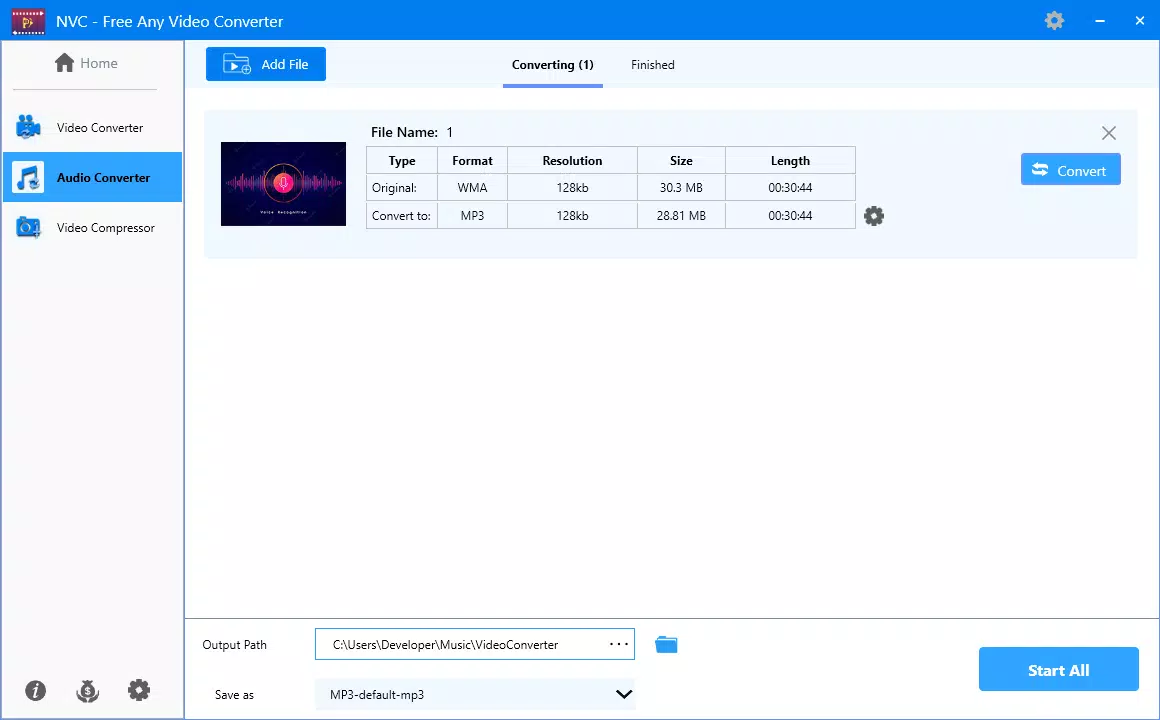
- Wide Format Support: The app supports multiple video and audio formats, including MP4, MOV, AVI, and others, ensuring compatibility with most media files encountered on mobile devices and across platforms.
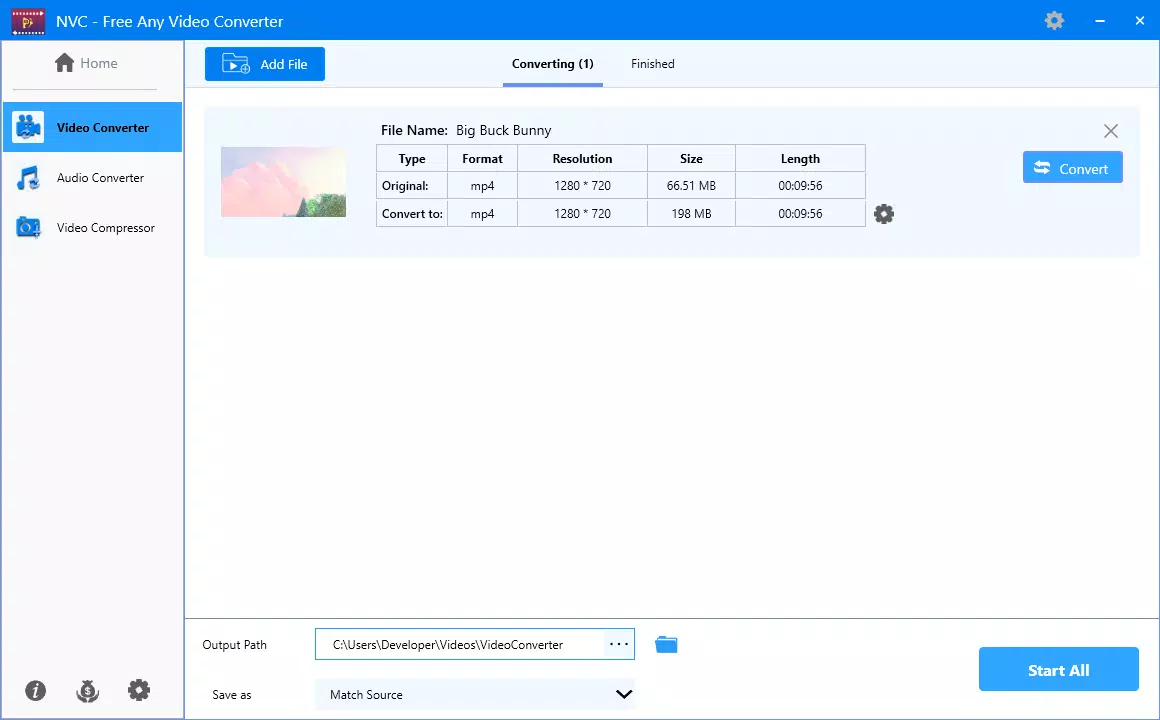
- Customizable Output Settings: Users can adjust resolution, format, and file size to optimize videos for specific platforms, devices, or sharing purposes, such as uploading to social media with size restrictions.
- User-Friendly Interface: The app features an intuitive layout with straightforward navigation, allowing users of all skill levels to perform conversions efficiently without requiring technical expertise.
- Video Compression Without Quality Loss: NVC enables users to reduce file size significantly while maintaining acceptable visual and audio fidelity, ideal for conserving storage space or meeting upload limits.
- Free Access to Full Features: The app operates without in-app purchases, subscriptions, or hidden fees, offering complete functionality at no cost.
For example, a student preparing a presentation can convert a high-resolution video to a smaller MP4 file suitable for classroom playback. A social media content creator might compress a long-form video to meet platform-specific file size limits while preserving clarity. These use cases highlight the app’s practicality in real-world scenarios.
Interface, UX & Performance
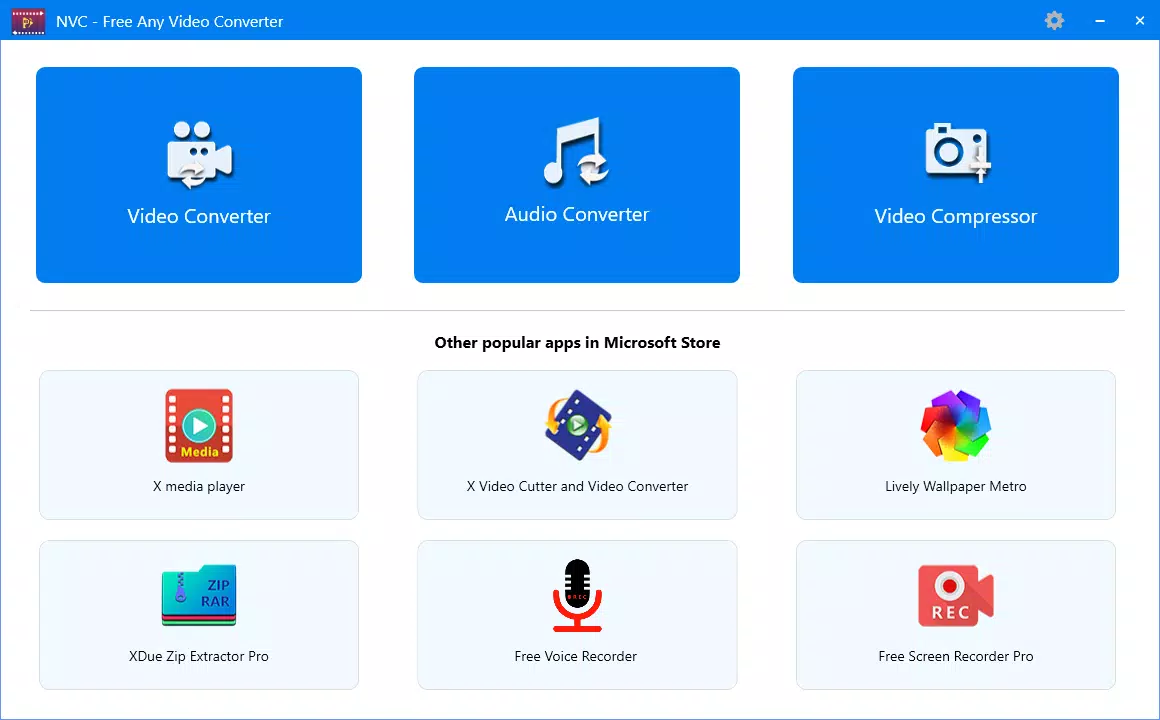
The user interface of NVC - Free Any Video Converter is designed with simplicity in mind, featuring clean layouts and logical navigation paths. Key functions such as file selection, format choice, and output settings are accessible through clearly labeled buttons and menus. The visual style prioritizes usability over ornamentation, minimizing distractions and enhancing focus on the conversion process.
Navigation is consistent across screens, allowing users to move seamlessly from selecting a source file to reviewing output options and initiating conversion. The app responds promptly to user inputs, indicating efficient internal processing. Although the developer did not list formal performance metrics, the app’s 25.3 MB file size suggests it is optimized for low-resource environments, making it suitable for a wide range of Android devices.
Performance appears stable during typical usage, with no reported issues related to crashes or freezes. The app maintains responsiveness even when handling moderately large files. Users can expect smooth operation across entry-level and mid-tier Android smartphones. However, specific requirements for device memory, processor speed, or OS version were not disclosed.
Platform Compatibility & Technical Requirements
NVC - Free Any Video Converter is available exclusively on the Android platform. The current version is 1.1.1, with a file size of 25.3 MB. This compact footprint indicates a streamlined design focused on core functionality without unnecessary bloat.
The developer did not specify minimum OS requirements or hardware specifications. As such, compatibility with older or newer Android versions remains unclear. Users are advised to ensure their device meets standard Android app installation criteria. The app’s free pricing model makes it accessible to a broad audience, especially those using budget or mid-range smartphones.
Given the app’s release date of February 22, 2023, it is likely optimized for current Android versions, though no explicit confirmation was provided. Users should verify compatibility with their specific device model and OS version before installation.
Pros and Cons
Pros
- Supports a wide variety of video and audio formats for maximum compatibility.
- Offers customizable output settings for resolution, format, and file size.
- Intuitive interface suitable for beginners and non-technical users.
- Efficient video compression with minimal quality degradation.
- Completely free to use with no hidden costs or subscriptions.
Cons
- Specific system requirements were not listed by the developer.
- Compatibility with older Android versions was not confirmed.
- No information was provided about update frequency or long-term support.
- Performance on low-end devices remains unverified due to lack of technical details.
- Limited visibility into developer support or customer service channels.
FAQ
Is NVC - Free Any Video Converter safe to download and install?
Yes, the app is available as a free Android application. It does not require root access and is distributed through official channels. Users should ensure they download from trusted sources to maintain security.
Can I convert videos to different formats using this app?
Yes, the app supports conversion between multiple video and audio formats, including MP4, MOV, AVI, and others, allowing users to adapt media files for various platforms and devices.
Does the app compress videos without losing quality?
NVC includes a video compression feature designed to reduce file size while preserving acceptable visual and audio quality, making it suitable for sharing and storage optimization.
Is NVC available on iOS devices?
Based on the available information, NVC - Free Any Video Converter is currently only available for Android. There is no indication of an iOS version at this time.
How often is the app updated?
The developer did not disclose update frequency. Users are encouraged to check for updates regularly through their device’s app store to ensure access to the latest features and security patches.
Final Thoughts
NVC - Free Any Video Converter stands out as a practical, no-cost solution for Android users who need to convert, compress, and customize video and audio files on the go. Its broad format support, customizable settings, and user-friendly interface make it a valuable tool for individuals across different use cases—from students preparing digital projects to content creators optimizing media for social platforms.
While technical details such as minimum OS requirements and update frequency are not publicly available, the app’s lightweight design and free access model enhance its appeal. For users seeking a reliable mobile video tool without financial or technical barriers, NVC offers a compelling balance of functionality and accessibility.
Download NVC - Free Any Video Converter now


